Google Introduces ‘Bubble’ Multi-Tasking and Collapsible Gaming Mode with Android 17

Google is launching Android 17 today, with Pixel devices getting the new mobile OS first before it hits more Android phones throughout the year. Gemini Intelligence, the company’s new context-aware AI system that can perform multi-step tasks for you, is also coming to select advanced devices this summer.
Android 17, of course, will bring new features to your devices, including Bubbles, which can turn any app into a floating window so you can see information in two other apps at once. You can long press on any app icon to turn it into a “bubble” that floats over other apps. On devices with larger screens, such as the Samsung Galaxy Fold and Google Pixel 10 Pro Fold, you’ll find a dedicated bubble bar at the bottom of your screen. This is where the bubble you opened is docked and where you can switch between apps with a single tap. You can also resize or expand the bubbles to full screen from there.
Google’s updated screen recording tool now comes with “Screen Actions,” which let you record yourself using the selfie camera and capture your phone’s screen at the same time. The feature will make it easy to record responsive videos on websites, apps and other videos without switching apps. It is obviously designed to make quick videos for TikTok, Instagram or Facebook.
If you have a phone like the Galaxy Fold and Pixel 10 Pro Fold, Android 17’s new gaming mode will ensure that no part of your screen is wasted. The new mode introduces an improved 50/50 layout with a game view on the top screen and a virtual gamepad below. If you’re using an external controller instead of an on-screen one, you can adjust your view further by re-installing the native controller. In addition, Google has optimized memory cleaning for HD games to reduce stuttering and frame drops.
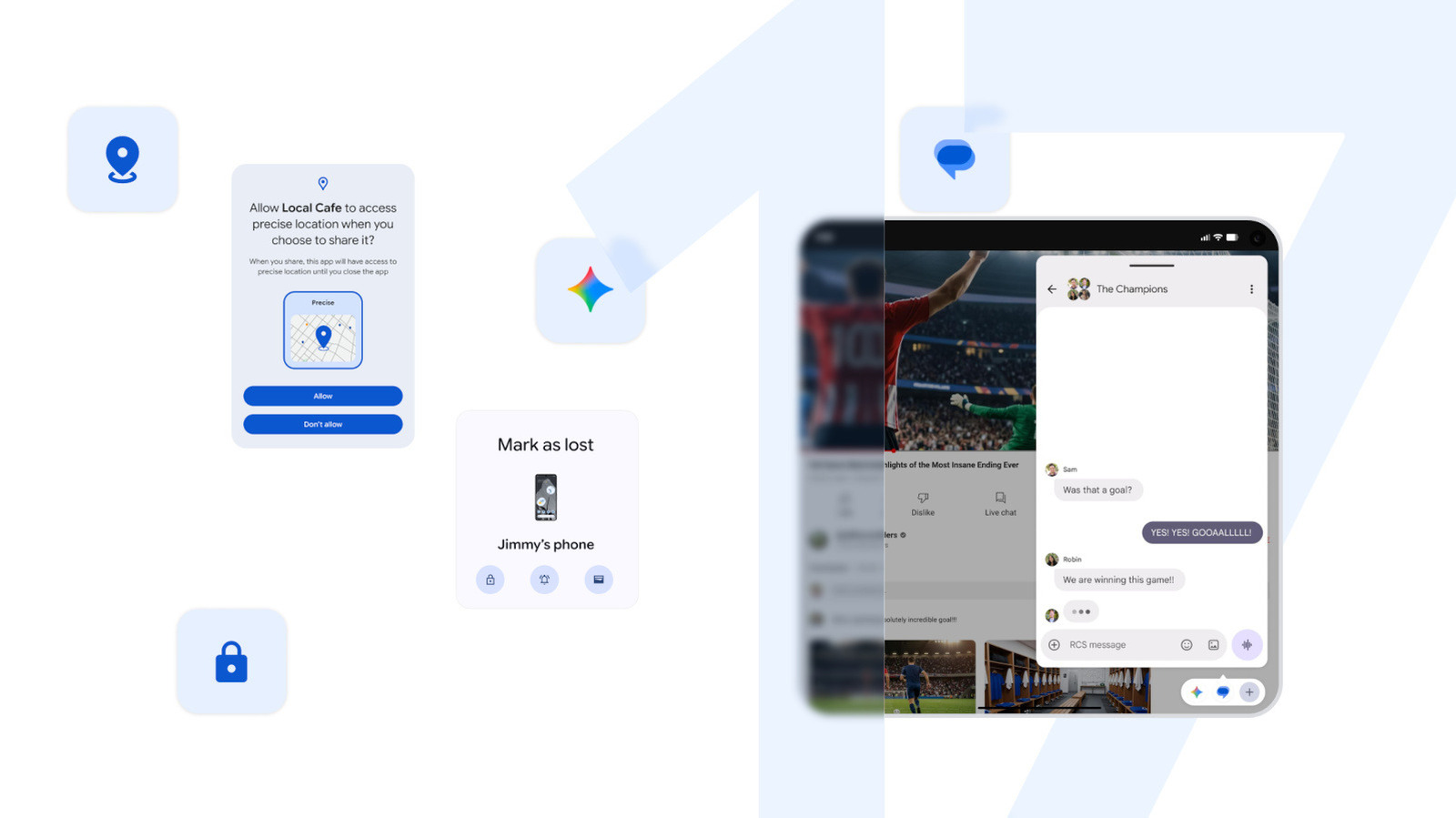
Android 17 also comes with new security and safety features. You’ll be able to give apps temporary access to your location and share only with certain contacts, instead of giving them access to your location all the time or sharing all of your contacts’ information. The mobile OS gives you access to the improved “Mark as lost” feature in Find Hub, formerly known as Find My Phone, as well. With it, you’ll be able to remotely lock a lost phone with biometrics, so thieves can’t unlock it even if they get your passcode. In addition, Google has strengthened Live Threat Detection to block suspicious apps and reduce the number of times someone can guess your PIN. It made the wait times longer between failed attempts, too.
Apart from the new features of Android 17, Google is also releasing some very useful tools for Pixel devices today. Chat editing is now available on Google Photos on Pixel devices – specifically Pixel 10 Pro, Pixel 10 Pro XL, Pixel 10 Pro Fold, Pixel 10a – in Germany, UK, France, Spain and Italy. It will allow you to perform both quick gestures and complex programming by talking to your device. Voice translation is also coming to the Pixel 10a, Google’s new entry in the mid-range line, which gives the phone the ability to translate what each caller is saying with their own voice.
Pixel 9a and Pixel 8a phones are now AirDrop compatible and can use Android Quick Share to transfer files to and from iPhone. This feature used to be available only on the Pixel 10 line. Google also expanded the reach of Magic Cue, so that the AI tool can reveal important information from messaging apps. Finally, in the Pixel Watch, Google includes Emergency Sharing in its main detection features, such as Car Crash, Fall and Loss of Pulse Detection. “If a critical event is detected, your Pixel will call emergency services and notify your chosen contacts,” the company explains.