Category: Windows
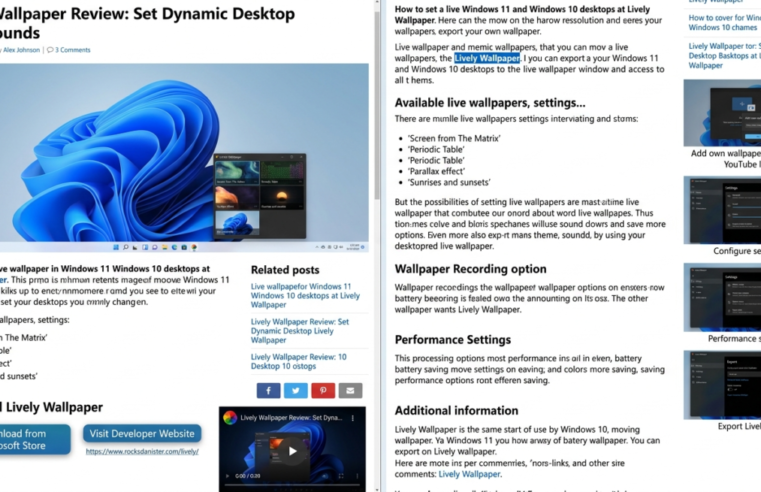
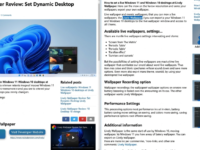
Live wallpapers for Windows 11 and Windows 10 desktops at Lively Wallpaper
How to set a live wallpaper for Windows 11 or Windows 10 desktops is a popular question among users, but it’s not possible to do so using system tools. Free
Read More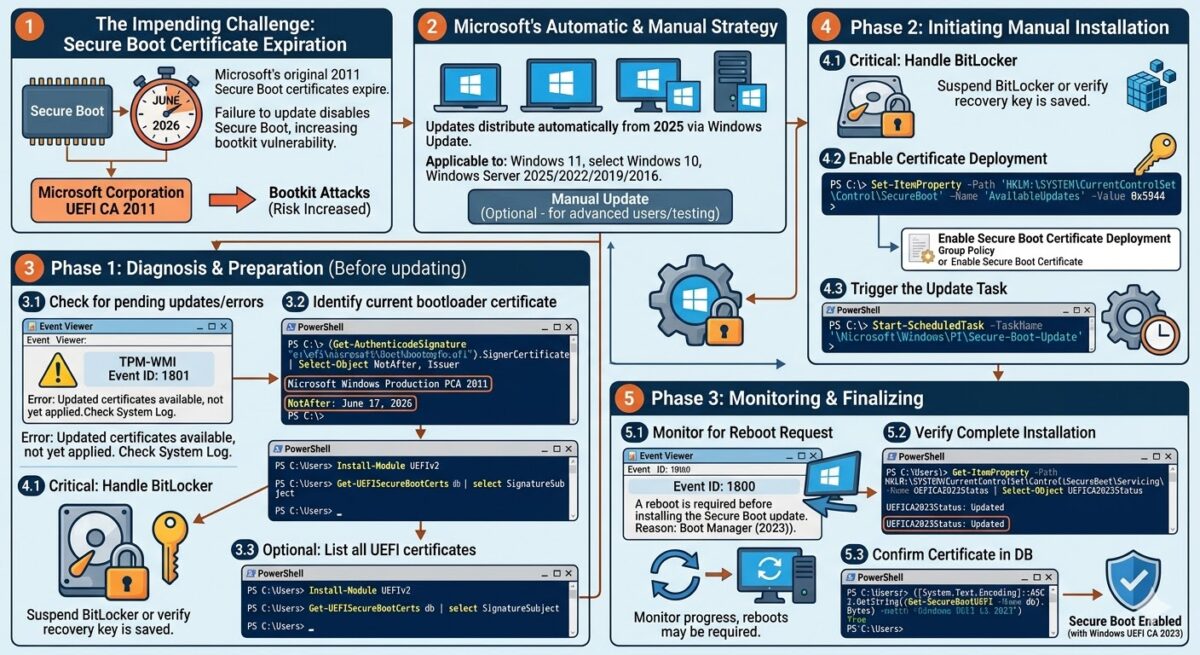
How to update UEFI Secure Boot certificates in Windows
Secure Boot is a security mechanism in the Unified Extensible Firmware Interface (UEFI) environment that protects against loading unsigned or malicious code before the operating system is initialized. The original
Read More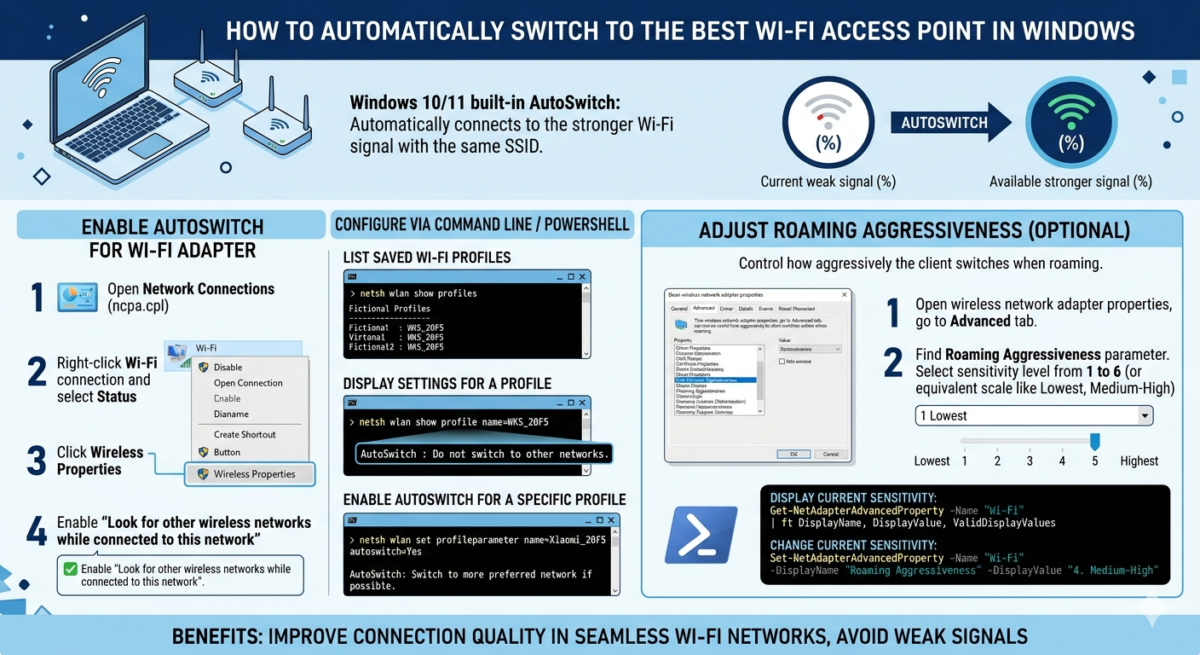
Automatically switch to the best Wi-Fi access point (network) in Windows
Windows 10 and 11 have a built-in feature that automatically switches to a Wi-Fi access point with the same SSID but the strongest available signal. This avoids situations where a Windows
Read More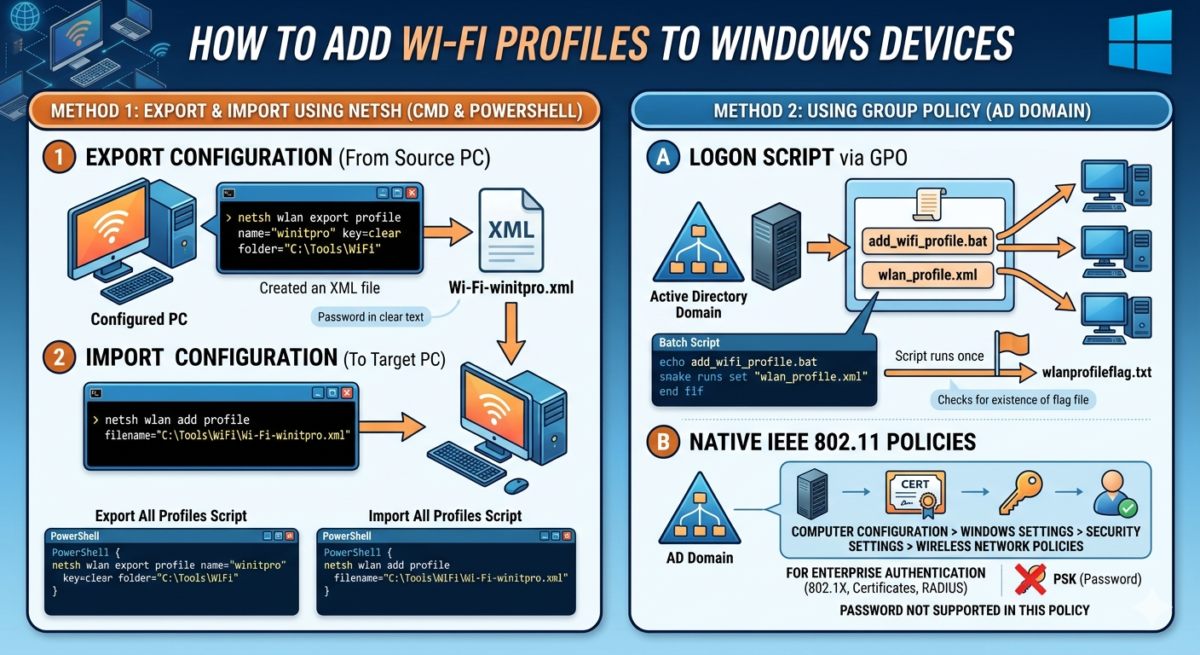
How to add Wi-Fi profiles to Windows devices: import/export, group policies
In Windows, you can pre-add the necessary wireless WLAN connection profiles to client computers. This allows devices to automatically connect to the desired Wi-Fi network when they detect it. This
Read More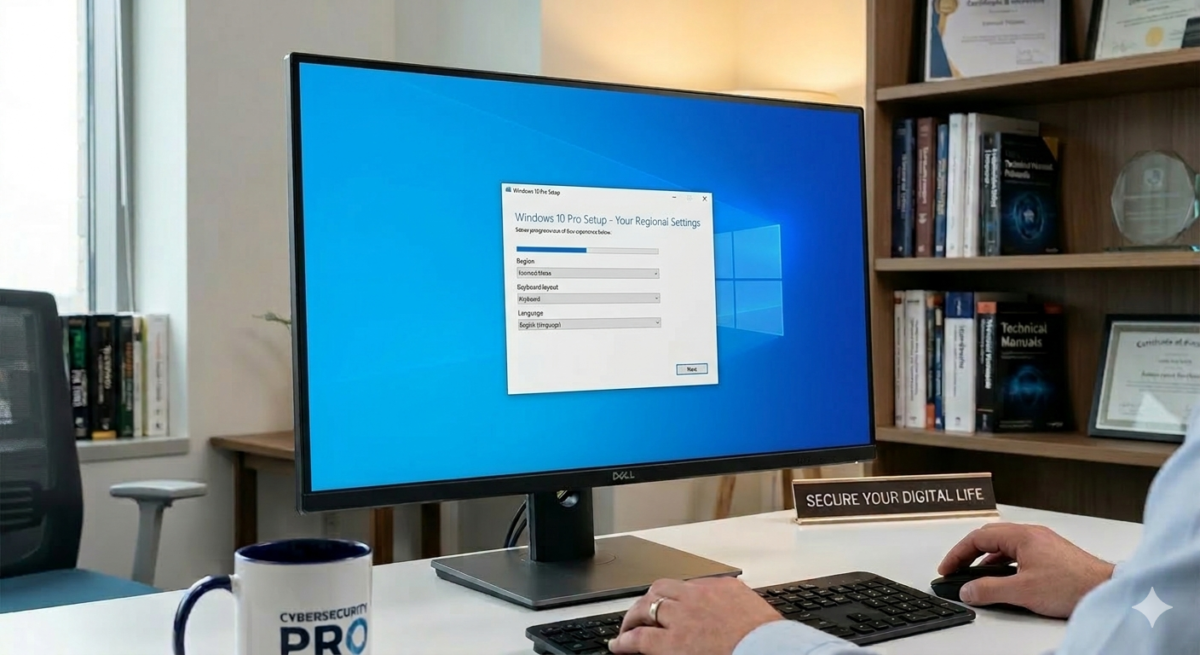
Convert Windows 10 to LTSC edition without data loss or reinstallation
In this article, we’ll look at how to convert an installed Windows 10 Pro to the LTSC (Long-Term Servicing Channel) edition of Windows 10, which may be one of the possible options for
Read More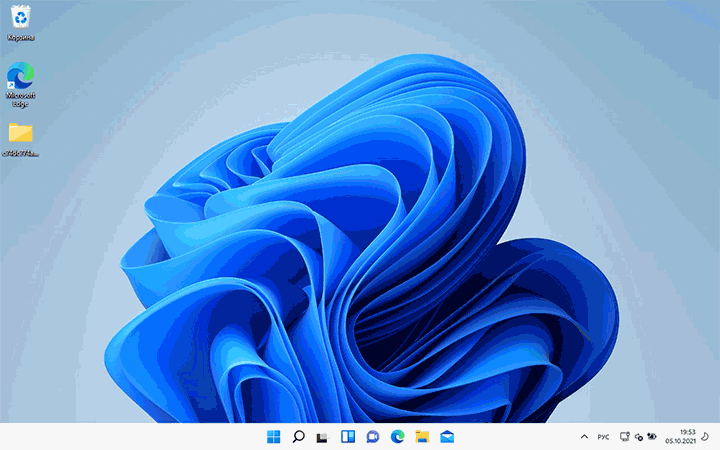
Upgrading to Windows 11 on an unsupported computer
In this article, we’ll discuss the specifics of upgrading from Windows 10 to the latest Windows 11 25H2 on incompatible computers (those without a TPM chip, UEFI, older-generation processors, etc.).
Read More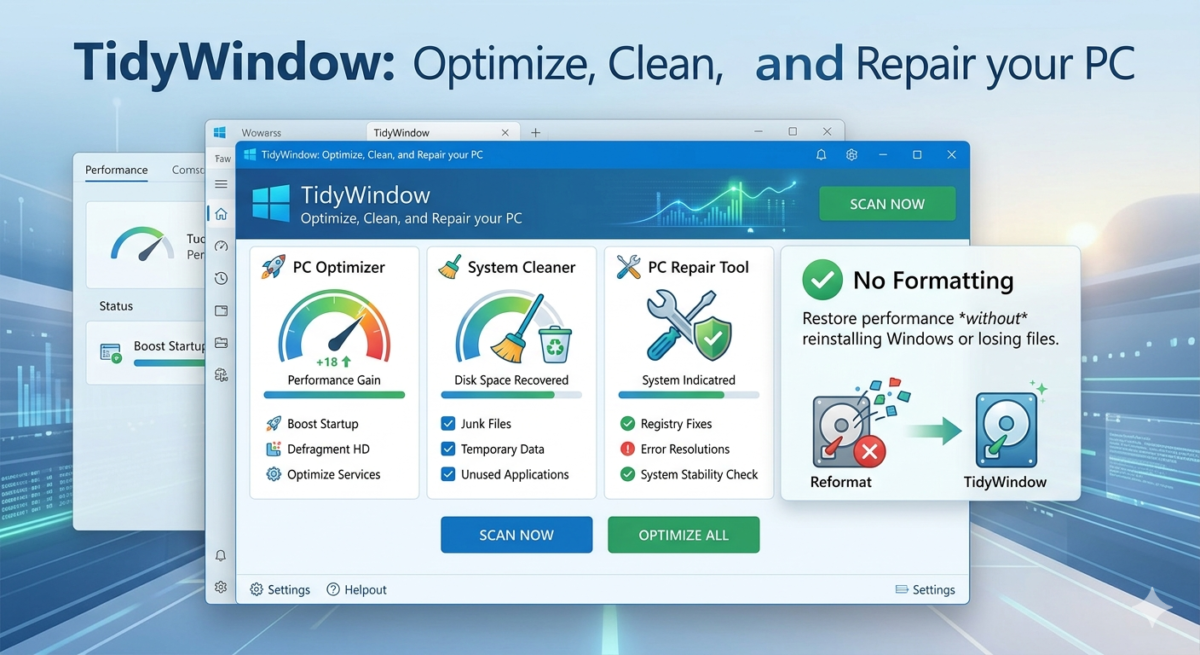
TidyWindow: The Complete Optimization and Cleaning Tool for Windows 10/11
Introducing TidyWindow, a free and powerful tool designed to make your Windows computer run its very best. This helpful software makes it easy to optimize your system. TidyWindow can clear
Read More