Ten years ago, Amazon and Google taught the world how to talk to AI. With Amazon Alexa and Google Assistant, wake-up words were learned and natural language alerts were practiced, all in the name of setting times, requesting music, controlling your smart home and piping search results with information. Things are a little different in 2026. If there’s a theme at this year’s Google I/O other than AI agents, it’s that the way Google thinks we’re going to talk to AI is changing. There are many new features with which the company has shown the included voice input – but in an unpolished way, where the onus fell on Gemini to interpret the intention and act accordingly. The change could have unintended consequences: Google wants users to rush to AI to make things happen, but in the process they may do very little thinking in general.
Take, for example, Rambler, an updated version of Gboard’s speech-to-text feature that Google debuted during the Android Show: Google I/O 2026 Edition on May 12. “With Rambler, you don’t have to worry about getting your words right before you start,” Google wrote. “You can speak naturally and it will take the important parts, and put them all together into a concise message.” The on-device model used by Rambler can strip out ums and ahs, and capture the essence of the message without transcribing your words. What is important, and can allow for switching languages during the flow, is the way most bilingual people communicate with family and friends. The feature offers at least one clear advantage of accessibility in the sense that both typing and editing of the message can be done at the same time, without having to touch the keyboard. The ability to send a long text while holding one or both hands can be useful for anyone.
Task tracking app Todoist has explored similar ideas with a feature called Ramble, which lets you run through the things you need to do in the app, and leaves the creation and scheduling of tasks up to AI. In Silicon Valley at large, The Wall Street Journal has already recorded a shift to voice calling in enterprise workplaces. Apps like Wispr Flow and Monologue let you speak or whisper into your computer and convert your speech into text, automatically adjusting the tone and style depending on which app you’re using. In the healthcare industry, many doctors are quickly adopting AI transcription tools as a way to take notes during appointments. Google offers you the benefits of those tools without the need for a third-party subscription or additional app. You can use it on anything running Android 17.
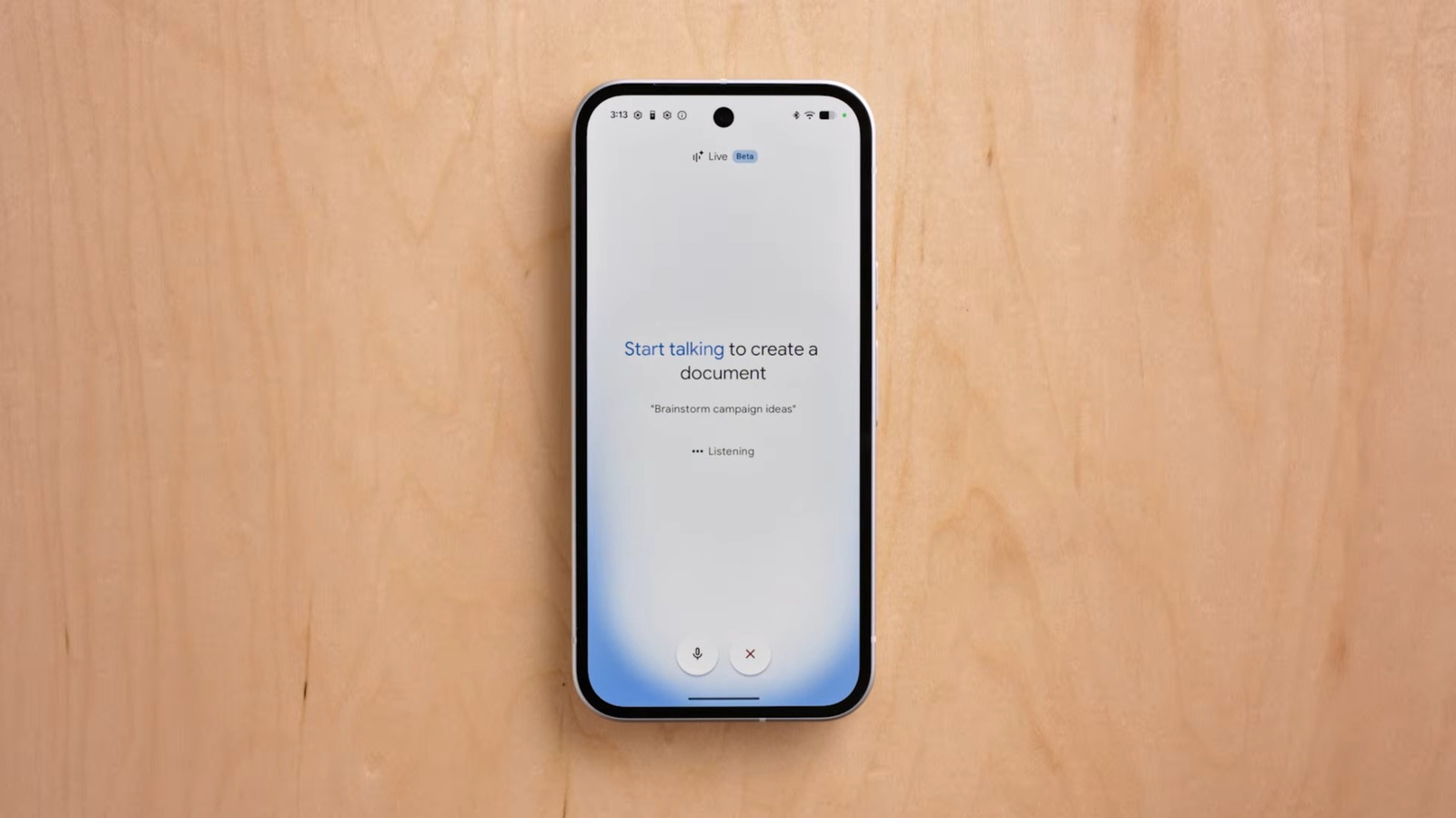
Docs Live, on the other hand, is one of the few examples of Google integrating the Gemini Live experience — live voice chats with Gemini — into its other apps. With Docs Live you can have fun with an AI model and it will create Google Docs based on what you share. “Just talk, and Docs Live handles the heavy lifting — organizing your thoughts, organizing your document, and, with your permission, pulling related information from your Gmail, Drive, Chat and the web,” Google wrote. In Google’s own demo, this information is more along the lines of calling an outline, but Docs Live should be equally capable of converting information streams into drafts. Keep Live will bring a similar experience to Google’s note-taking app, while Gmail Live will turn AI voice chats into a faster way to find emails.
What is not noted in the implementation of these new features is what they remove. Google’s Docs Live video demo features a software engineer who was asked to return to his alma mater to talk to students about his work. That’s an experience, at least theoretically, that would be meaningful enough to want to write your own speech, but instead the demo user frees up the work in Docs Live. Not everyone is a born writer – it seems to be the intention for Google to specify that this person is a software engineer – but being able to think clearly and convey your thoughts and feelings is more than a job. Rambler, too, seems to skip the rewarding part of communication. Most everyone works on the meaning or purpose of a text message at some point in their life, but Rambler lets you hand over some of that stressful (but rewarding) work to AI.
No one is required to use these tools, and in the case of Docs Live, Keep Live and Gmail Live, they will be limited to paying AI Pro, AI Ultra and Workspace Business subscribers to get started. That overload of AI voice features makes me wonder what they will teach ordinary users about AI. Google Assistant and Amazon Alexa have gotten better at understanding the intricacies of human speech over time, but the design of most interactions with those voice assistants still revolves around call-and-response robots because it was the best way to make sure you got what you wanted. You had to think about which light bulb you wanted Google Assistant to turn on or the Alexa skill you wanted to use, and speak accordingly. Google now doesn’t seem to care about the quality or clarity of your input, as long as it can produce a result you’ll be satisfied with, which seems like the AI niche is an easier bar to clear than ever.
What is Google Docs if you don’t need to think hard about what you want to write? Or Google Messages if you leave text delivery to AI? Google’s new features may be useful to millions, but with a little real thought, they could end up completely changing the way people think.