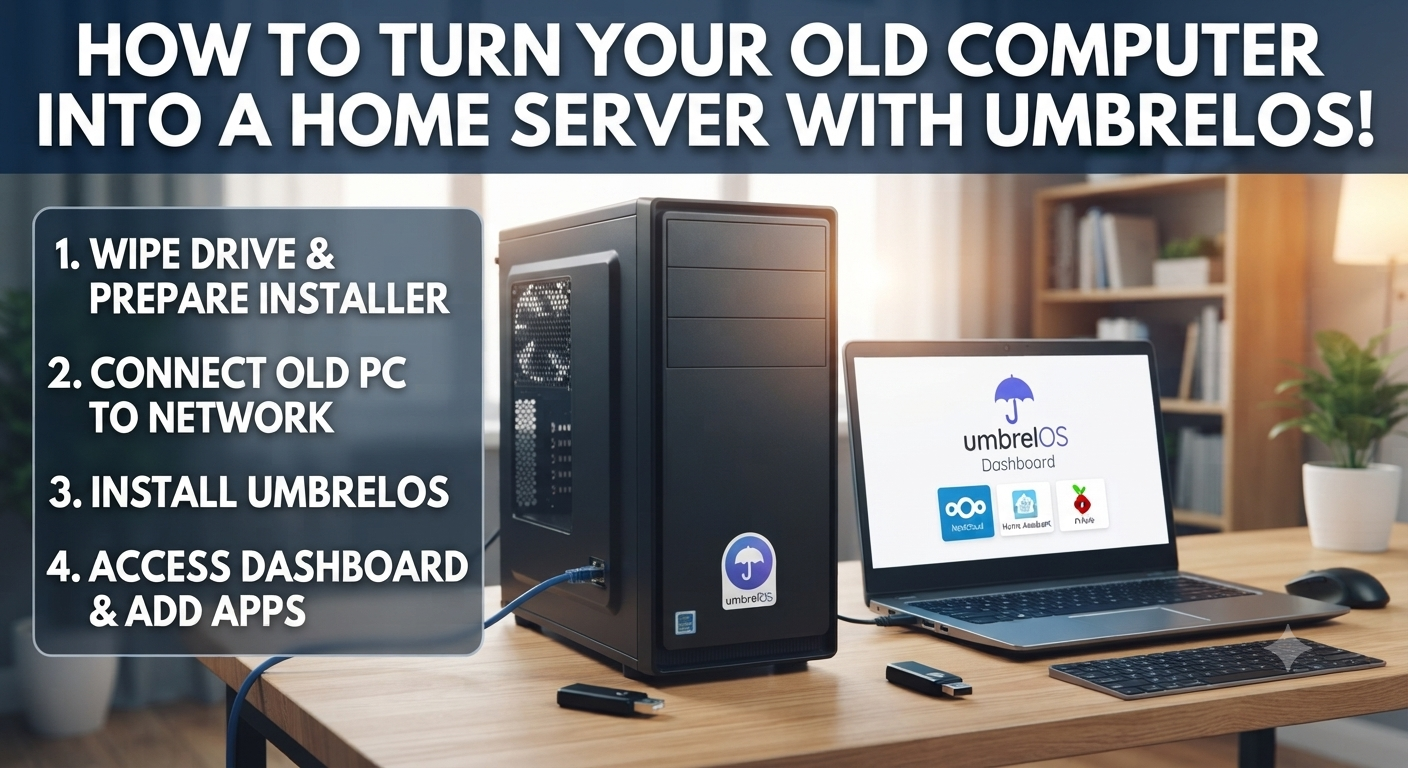
Transforming an old computer into a home server might seem like something only tech experts can do, but the truth is anyone can do it with a little curiosity and willingness. Besides being useful, having a server at home is a practical and fun way to explore the world of technology. In this text, we’ll show you how to transform that unused PC into a true tech hub.
A server, for those unfamiliar with the term, is simply a computer like any other, but with the specific function of “serving” something. It can store files, host applications, run services, or even manage automations. While we use our personal computers to browse the internet, study, or play games, a server is dedicated to providing tools and services. And the best part? You don’t need a super-powerful machine to get started.
Why have a server at home?
A home server opens up a range of possibilities. You can create a private space to store and access your files, organize your movies and music on a streaming server, run your own game server, or even host tools that replace paid online services, such as Google Drive, an office suite, or Notion. All this with total control, privacy, and without depending on subscriptions.
Furthermore, using servers offers the chance to learn more about technology. It’s a fascinating world full of creative solutions. Don’t worry, the process doesn’t require you to be a computer expert, and modern tools like the umbrelOS operating system make setup simple, even for beginners.
Preparing the requirements
To begin, you need a computer that is not being used. It can be an old PC, a laptop, or even a compact device like a Raspberry Pi. This equipment should have at least 4 GB of RAM, a dual-core processor, and 32 GB of storage. With that in hand, all you need is a USB drive, a router like the one from your internet provider, and, of course, a willingness to learn something new.
The secret to this process lies in umbrelOS, a Linux-based operating system that transforms any computer into a home server with an integrated app store. With it, you can easily install tools like Nextcloud, Plex, Home Assistant, and many others.
Step-by-step setup
It all starts with downloading UmbrelOS. Visit the project’s official website and find the system’s ISO. It’s somewhat hidden; perhaps the easiest way to find it is to click “Start” in the upper-right corner and download it directly from GitHub, since the distro is open source. Once the file is on your computer, use a program like Balena Etcher to create a bootable USB drive. This USB drive will be used to install Umbrel on the computer you’ve chosen to be the server.
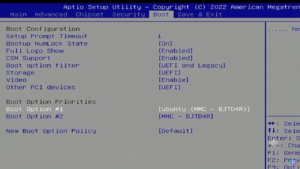
After configuring the USB drive, insert it into the old PC, enter the BIOS (by pressing keys like Delete or F2 when turning on the machine; this may vary depending on the manufacturer, but the initial screen usually contains this information), and configure the USB drive as the primary boot device. When the installer loads, follow the on-screen instructions, choosing the disk where Umbrel will be installed.
After installation, restart your computer. You can access the server by typing “http://umbrel.local” into the browser of another device connected to the same network, or by using the IP address displayed at the end of the installation. This will be the starting point for setting up your account and beginning to explore the potential of your home server.
What can you do with the Umbrella?
Umbrel is a powerful and user-friendly tool with an intuitive interface full of possibilities. After the initial setup, you’ll have access to the integrated app store. There, you can install tools for file storage, home automation, ad blocking, game servers, and even solutions to create your own productivity system.
Imagine having a private Google Drive with Nextcloud, a media server for movies and music, or even a note-taking manager like Affine, an open-source alternative to Notion. Who knows, maybe even a Bitcoin network node! Umbrel also supports VPNs, allowing you to access your server from anywhere.
Furthermore, if you enjoy experimenting with advanced technologies, you can use your server to run artificial intelligence applications or development tools. For those who work with programming, Umbrel also supports platforms like Gitea and GitLab, which function as private versions of GitHub. But of course, you should always consider the power of your server’s hardware.
Final considerations
Having a server at home is an enriching and practical experience. It gives you complete control over your data, eliminates dependencies on external services, and also offers an opportunity to learn more about technology. And don’t worry about complexity: with Umbrel, setup is simple, and maintenance is minimal.
So, how about giving that old computer a new lease on life and exploring all these possibilities? I bet that, once it’s set up, you’ll wonder how you ever lived without a home server!
And UmbrelOS is far from the only option for creating your home server! Meet Casa OS, a similar alternative that can be installed on top of your existing Linux system!
About the Author