

Meetings don’t have to be a headache. This article introduces you to some of the best online tools for 2026 that make organizing, collaborating, and getting tasks done easier and more time-efficient.
Remember when ‘having a meeting’ meant gathering in a conference room lit by fluorescent lights, fiddling with a projector, and watching someone struggle with HDMI cables? Yeah, me too—and it wasn’t exactly exciting.
Fast forward to 2025, and you can see a revolution in the workplace where online meetings are king. You might be working hybrid, fully remote, or just avoiding awkward hallway conversations, and the right online meeting tools have become the glue holding businesses together. Did you know that North America used to be the region with the highest number of in-person meetings, over 60%? And the Asia-Pacific region had the highest number of online meetings of all regions, 16%. Will these numbers change in the future with new, modern tools?
But here’s the catch: not all tools are created equal. In 2025, the best platforms for your meetings aren’t just basic virtual conference rooms. What every modern business needs now is a productivity booster, collaboration hubs, and—believe it or not—a lifesaver for those who hate taking notes. That’s right, we’re talking real-time meeting transcripts that can convert your conversations into easily editable and searchable text faster than you can say, ‘Wait, who’s taking the minutes?’
So, if you’re tired of screen-sharing issues, choppy audio, or playing “ping-pong” with emails to share meeting results, this list is for you. Let’s see what the best online meeting tools are that will shape the modern workplace in 2025.
1. Zoom 3.0 – Not Just for Your Aunt’s Virtual Yoga Classes
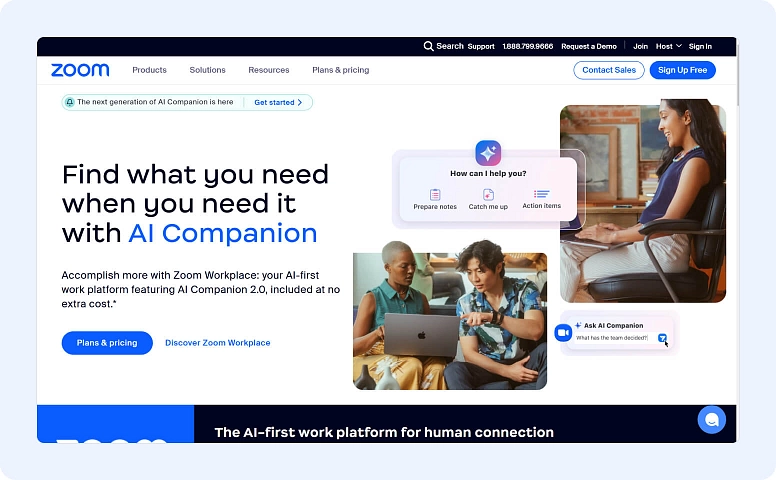
Ah, Zoom—the original hero of the remote work era. But in 2025, it’s no longer just a simple video calling app. Zoom 3.0 has evolved significantly, now offering crystal-clear audio and video, smarter AI integrations, and—the big news—automatic live transcriptions that make manual note-taking obsolete.
Thanks to this AI-powered transcription, Zoom can transform every meeting you have into a searchable text file. Want timestamps and speaker identification too? No problem, Zoom 3.0 does that as well. Missed something important, like a critical detail? Just scroll through the text and go straight to the part where Jannis explains the quarterly goals you forgot (don’t worry, it happens to the best of us – after all, who can remember all those numbers at once?).
And for those who deal with back-to-back meetings (yes, managers, I’m talking to you), Zoom’s new summary feature can deliver an AI-generated recap with action items and key highlights at the end.
Other useful updates include:
- Tighter integrations with project management tools, such as Trello and Asana.
- Interactive whiteboards for brainstorming sessions.
- Customizable virtual rooms so realistic you’ll forget you’re still in your pajamas.
2. Google Meet – The Champion of Simplicity
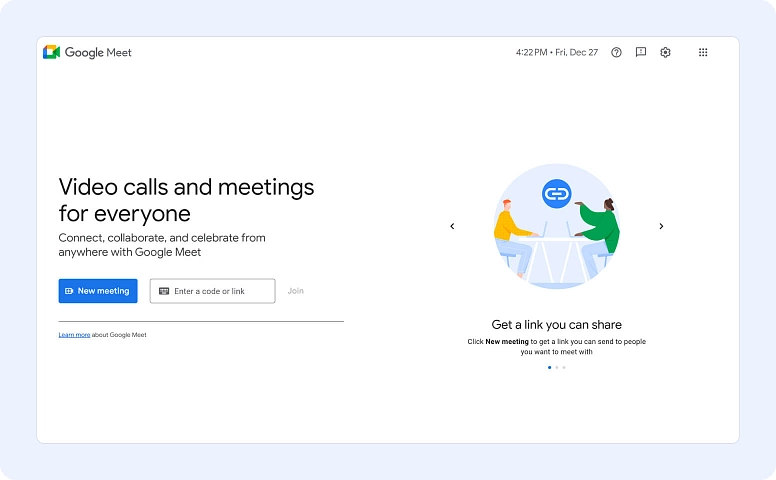
Google Meet has always been like the laid-back cousin in the video conferencing family. It’s simple, reliable, and great for anyone with a Google account. But time waits for no one, and by 2025, Google Meet will have evolved into a meeting tool that blends ease of use with some very powerful features.
The highlight? Meet now has real-time AI-powered transcription and translation tools. Your team can be global and/or multilingual, and Google Meet can even transcribe speeches into text and translate them into over 30 languages as they happen. It seems language barriers are a thing of the past. Plus, your meetings are instantly accessible to everyone.
Another great benefit is how Meet integrates with Google Workspace. You can:
- Automatically attach meeting notes to Google Docs.
- Save recordings to Drive.
- Customize wallpapers
- Use noise cancellation 2.0
- Get real-time analytics.
3. Microsoft Teams – The Swiss Army Knife of Collaboration
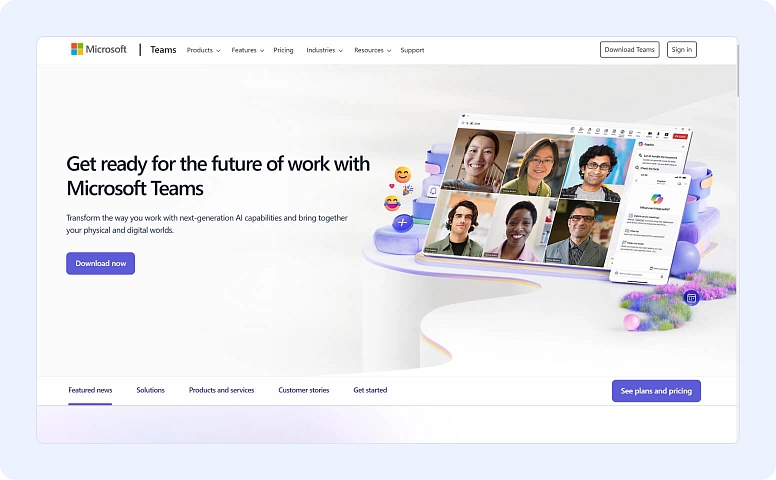

If you already live in the Microsoft ecosystem, Teams will feel right at home. And, in 2025, it has incredible features that are a perfect fit for a hybrid workforce. Teams has become the ultimate place where chats, meetings, file sharing, and collaboration happen almost effortlessly under one digital roof.
Here are the best parts: Teams’ transcription feature has evolved into a full-fledged AI assistant. It does many things automatically, such as:
- Transcribe meetings in real time.
- Highlight action items
- Identify questions
- Assign tasks to participants
For you, it means having a super assistant who doesn’t need coffee breaks.
And don’t forget about integration. Teams connects seamlessly to Microsoft 365, but it also works well with third-party applications like Zoom, Salesforce, and Slack. So, no matter where your data resides, your work can continue smoothly.
4. Transforming Conversations into Actionable Insights
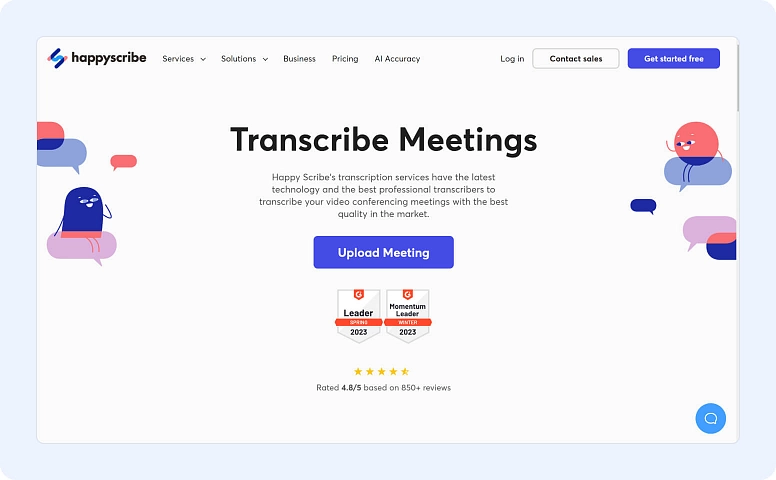
The truth is, nobody likes being the one taking notes during meetings. It’s like juggling: participating, listening, and simultaneously trying to write down all the brilliant ideas that come up. Fortunately, modern meeting tools have made this dreaded task obsolete with AI transcription. Tools that transcribe meetings into text can now convert every spoken word into clean, searchable text in real time, in multiple languages. Nothing is misinterpreted or forgotten. You can discuss campaign strategies, product ideas, or just try to remember what Dave said about next quarter’s budget—with transcripts, it’s easy to review the conversation without spending hours watching meeting recordings.
And that’s not all. Many of these platforms combine transcripts with intelligent, AI-generated summaries and action item tracking. Imagine how great it would be to end a meeting and instantly have an organized text file with highlighted tasks, follow-ups, and key decisions.
Tools like Webex, Microsoft Teams, and Zoom already offer these features as standard. This saves teams hours of administrative work. Furthermore, for global companies, it’s great to have a transcription tool that can translate meetings into multiple languages in real time.
As you can see, transcripts not only make meetings easier but also more productive and inclusive. Your team members can focus more on contributing than frantically typing notes. And those who miss the meeting can catch up quickly. It’s a small step for man, but a giant leap for business.
5. Zoom.ai – The AI Meeting Assistant You’ve Always Needed
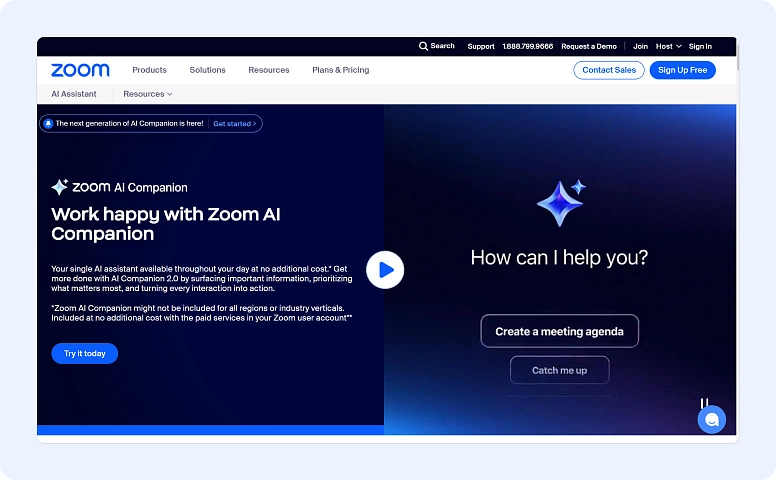
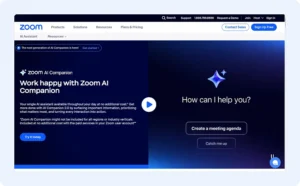
Unlike Zoom 3.0, Zoom.ai isn’t a video conferencing tool, but it completely changes how we schedule and manage online meetings. In 2025, it’s the AI assistant you wished you had years ago.
Zoom.ai can integrate with all major platforms, such as Google Meet, Teams, and Zoom, to manage meeting preparation. With this tool, you can send reminders, automate scheduling, and prepare agenda templates—all without lifting a finger. Even better, it uses AI to analyze past meetings and suggest talking points or follow-ups for your next call.
It also pairs well with transcription tools, allowing you to attend meetings fully prepared and leave with organized notes.
6. Slack Huddles – Hassle-Free Meetings
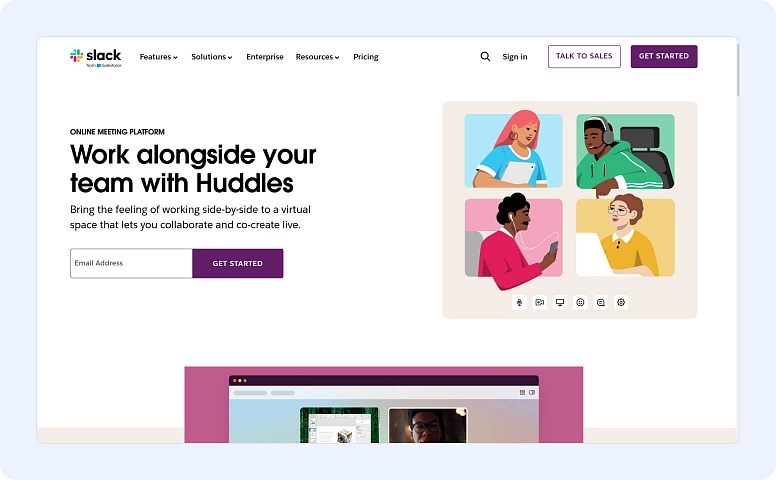
How many times have you left a meeting thinking, “That could have just been a message”? Well, Huddles are here to solve that. Slack revolutionized communication in the workplace, and its audio-focused “Huddles” now allow for quick, casual meetings without the pressure of turning on the camera.
Slack has enhanced Huddles with live AI transcription, making them perfect for note-taking during brainstorming sessions. Your team can quickly join a Huddle, have a casual conversation, and Slack takes care of the rest.
- Transcribing the main points
- Summarizing ideas
- Saving everything to the relevant channel
Enough with the “What did we actually decide?” moments.
Slack also works well with other tools. You can integrate documents from Google Drive, create tasks in ClickUp, or share prototypes from Figma.
7. Flowlu – Practical Tools for Productive Teams
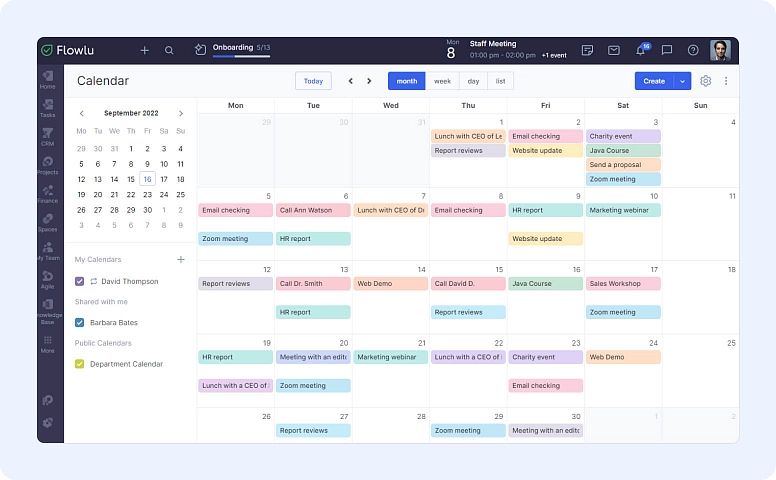
Flowlu isn’t exactly a video calling platform, but it’s packed with features that make planning, discussing, and following up on meetings easier. Think of it as your ideal workspace for organizing and managing everything that happens before, during, and after a meeting.
See how Flowlu can help:
- Plan and Schedule Easily: With its integrated calendar, you can schedule meetings (even recurring ones!) and keep everything organized alongside your project deadlines.
- Real-Time Chat: Need a quick answer during a meeting? Use Flowlu’s instant messaging feature to ask questions or share updates without switching apps.
- Add Comments to Tasks: Keep discussions tied to specific tasks by commenting directly on the tasks. This keeps everyone focused and ensures no decisions are missed.
- Collaborate on Documents: Flowlu’s document creator lets your team create and edit files together during meetings. It’s great for brainstorming or working on shared agendas.
- Organize Ideas Visually: Flowlu’s mind maps are perfect for brainstorming. Structure your ideas, organize your thoughts, and turn them into plans—all in an intuitive way.
- Work with Clients Without Complications: Flowlu’s client portal allows you to share important files and updates in one place. It’s simple and keeps everyone on the same page.
Flowlu isn’t just about logging tasks—it’s a tool that keeps everyone in sync. You can plan, discuss, and act without the hassle of switching between platforms. Everything is designed to make teamwork flow smoothly.
The Future of Meetings
Online meeting tools in 2026 are no longer limited to video calls. As we advance in the world of technology, these tools evolve as well. Now, we have meeting platforms that offer video conferencing as just a small part of the package. Your team needs features like transcription, multilingual tools, real-time task automation, and scheduling options. Meeting tools in 2025 are here to offer all of that—or disappear as obsolete.
Fortunately, you can choose from several options, such as Zoom, Slack, or Microsoft Teams, among others. With them, meetings can transform from time-consuming obligations into true productivity engines. Now, go ahead—schedule that call and let your AI assistant take care of the rest.
Frequently Asked Questions
About the Author