Building a gaming PC means choosing the components that define gaming performance, such as the processor, graphics card, and RAM. When these components are compatible with each other, the result is smoother operation, greater stability, and better system performance.
Throughout this guide, you will understand what the components are PC gamers.
Essential information, such as choosing a CPU and GPU for gaming and what criteria help define the ideal configuration for your use. Keep reading and see how to plan each step more clearly.
What you need to know before you start building a gaming PC.
Before choosing the parts to build a gaming PC, it’s important to understand some basic points that directly influence the performance and compatibility of the system. Having this initial overview helps you make safer decisions and avoid combinations that limit the use of your PC or computer.
In everyday life.
- Defining the type of game and primary use of the gaming PC is essential, as competitive games demand more from the graphics card and processor, while varied uses require a balance between CPU, RAM, and storage.
- Knowing the essential PC gaming components makes it easier to choose the right processor, motherboard, video card, RAM, and storage drives.
- Understanding component compatibility prevents common mistakes, such as choosing a motherboard that is incompatible with the processor or RAM that does not meet the supported standard.
- Knowing the difference between SSD and HDD for gaming helps you decide between faster loading speeds and more storage space for files and games.
A guide to gaming PC components: understanding the role of each part.
When assembling a PC gamer
The most important thing is to understand the function of each component and how they complement each other. This foundation helps you make safer choices and assemble an ideal gaming PC configuration for gaming, daily use, and multitasking.
Even though there are variations depending on the usage profile, these components of a PC gamer
Essential items are present in any gaming setup.
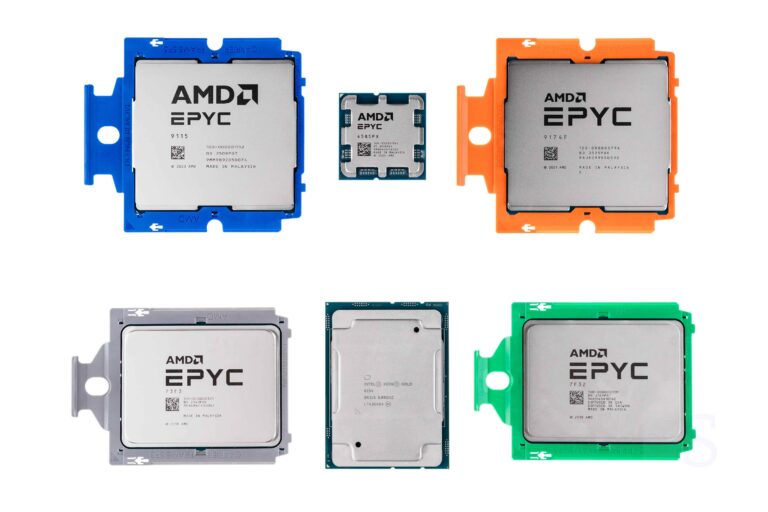
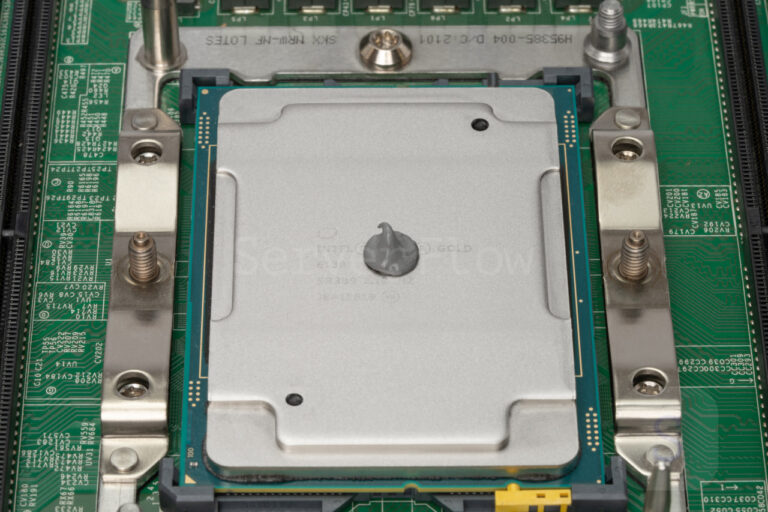
Processor (CPU): the one that organizes everything on a gaming PC.
The processor
It is responsible for executing system and game commands, controlling calculations, responses, and actions that occur on the screen. It directly influences the game’s fluidity and the overall performance of the computer.
- It coordinates system tasks, ensuring that games and programs function correctly.
- It works in conjunction with the video card, preventing performance drops during matches.
- It impacts daily use, such as browsing, studying, and multitasking, in addition to gaming.
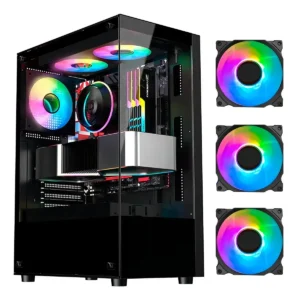
A gaming PC assembled with an RGB gaming case, showcasing essential internal components.
Motherboard: the base where components connect.
The motherboard is the component that connects all the system components of a PC gamer
and allows them to communicate with each other. It defines which processors, memory, and video cards can be used.
- Ensures compatibility between parts, preventing incorrect combinations.
- It offers essential connections, such as USB, network, and audio ports.
- It influences upgrade possibilities, depending on the available slots.
To find out which models are suitable for different usage profiles, it’s worth checking out the best motherboards for gaming PCs
, with analyses that help to understand the differences between each option.
Graphics card (GPU): graphics performance in games
The graphics card is responsible for generating the images displayed in games. It defines the graphics quality, frame rate, and visual experience during gameplay.
- It processes graphics and visual effects, ensuring more detailed images.
- It directly impacts gaming performance, especially at higher resolutions.
- It’s one of the key components for building a gaming PC, especially for more demanding games.
RAM for gaming PCs: smooth operation.
RAM for PC gamer
It temporarily stores game and system data while the PC is in use. More RAM helps prevent crashes and slowdowns.
- It allows you to open games and applications simultaneously without any loss of performance.
- It contributes to faster loading times, especially in current games.
- It helps with system stability, especially during long gaming sessions.
Storage: SSD or HDD for gaming?
Storage is where the operating system, games, and files are saved. The choice between SSD
Whether the hard drive (HD) for gaming influences loading times and PC responsiveness.
- SSDs speed up boot times and game loading, improving the overall experience.
- Hard drives offer more storage space, making them useful for larger game libraries.
- Combined use is common, balancing speed and capacity.
Power supply: stable power for the gaming PC
The power supply distributes energy to all components and protects the system against power outages. A suitable power supply ensures stable operation even under heavy use.
- It safely powers all components, preventing unexpected shutdowns.
- It helps preserve the parts, reducing electrical risks.
- It is essential for the durability of a gaming PC, even though it doesn’t directly influence gaming performance.
Cabinet: system organization and cooling.
It houses all the components and helps maintain a controlled temperature. Good airflow prevents overheating during long gaming sessions.
- It organizes the internal components, making maintenance and upgrades easier.
- It contributes to ventilation, maintaining stable performance.
- Protects against dust and impacts, extending the lifespan of your PC.
To better understand how these factors work in practice, it’s worth checking out the review of the Mid Tower RGB Gamer Cabinet, which details the construction, ventilation, and use of interior space.
Operating system: where everything happens
The operating system allows the PC gamer.
It functions and runs games and applications. It manages resources such as memory, storage, and processing power.
- Ensures compatibility with games and drivers, which is essential for performance.
- It organizes the use of components, avoiding conflicts.
- It allows for updates and adjustments, keeping the system functional daily.
Understanding each component helps you recognize a well-balanced gaming PC. If you want a practical reference, the guide to the best gaming PCs
It brings together examples of configurations designed for different gaming profiles.
Peripherals that make a difference in your gaming experience.
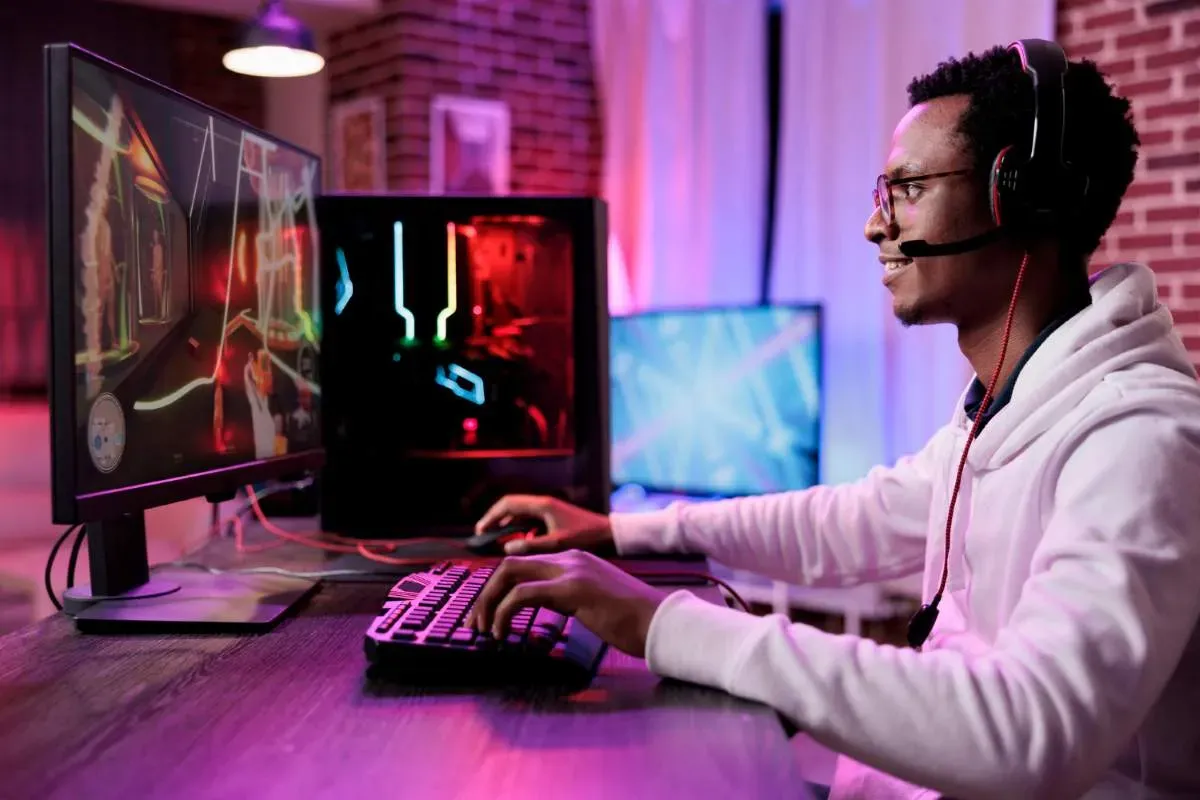
Beyond the internal components, peripherals make a direct difference in how you play. They influence precision, comfort, and immersion, especially in long or competitive matches. Choosing the right keyboard, mouse, headset, and monitor helps you get the most out of your gaming experience as a PC gamer in everyday life.
- Mechanical keyboard: ideal for games that require quick responses, it offers more precise key actuation, greater durability, and customization options such as backlighting and shortcuts.
- A gaming mouse designed for greater control and precision, it allows you to adjust cursor sensitivity, adapt the shape to your hand grip, and configure buttons for in-game actions.
- Gaming headset: combines detailed audio with an integrated microphone, facilitating communication in online games and increasing the perception of important sounds during matches.
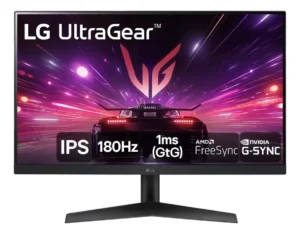
- Gaming monitor: directly influences fluidity and visual quality, focusing on resolution, higher refresh rates, and technologies that reduce image tearing or lag.
If you’re still undecided between investing in a computer or opting for another platform, it’s worth comparing the scenarios on… PC gamer or console guide to understand which one makes the most sense for your play style.
Is it possible to build a gaming PC without a dedicated graphics card?
Yes, it is possible to assemble a PC gamer.
Using processors with integrated graphics for light gaming. However, for better graphics performance, a dedicated video card remains essential.
How to choose the ideal gaming PC configuration for current games?
The ideal configuration of a PC gamer
It depends on the type of game, the resolution, and the desired frame rate. Evaluating the CPU, GPU, RAM, and storage together helps avoid bottlenecks.
How can I tell if the chosen parts are compatible with each other?
Check the compatibility between the processors.s
When assembling a gaming PC, the right motherboard and RAM are essential components. Consulting the manufacturer’s specifications helps avoid incorrect combinations.
Choose the right parts and start building your gaming PC.
Understanding how each component works helps you assemble a PC for gaming
Balanced, prepared for current games, and to evolve. By choosing compatible parts that suit your playing style, the experience becomes smoother, more stable, and aligned with what you expect from your setup.
About the Author